



Performance and security aren’t things you bolt on right before release. I learned that lesson the hard way on a project where “we’ll optimize it later” turned into weeks of rework. Getting an app to simply work is only the first step.
Making it fast and secure from the beginning is what actually determines whether users stick around and whether your app stays safe from real-world threats.
Here’s how I approach both, based on practices I now build into every project from day one.
Android App Development Best Practices at a Glance
- Use a clear architecture with separate UI, ViewModel, and data layers.
- Keep heavy database, network, and file operations off the main thread.
- Compress images and remove unused resources.
- Minimize network requests with pagination and caching.
- Monitor memory usage and fix leaks early.
- Use HTTPS, secure authentication, and Firebase App Check where appropriate.
- Never hardcode API keys, passwords, or other sensitive credentials.
- Use R8 for minification and obfuscation in release builds.
- Request only the permissions your app actually needs.
- Validate user input on both the client and server.
- Test performance, security, crashes, networks, and device conditions before release.
1. Use a Modern Android Architecture
A clear architecture is what keeps a growing codebase manageable instead of overwhelming. When UI, ViewModel, and data are separated properly, a bug in one layer doesn’t force you to dig through unrelated code just to find it. I’ve inherited projects without this separation, and even small changes took far longer than they should have.

- Separate your app into clear UI, ViewModel, and data layers.
- Rely on separation of concerns so each layer can be debugged independently.
- Aim for maintainability — six months later, you should know exactly where to look.
2. Keep the Main Thread Free
The main thread handles your UI, so anything that blocks it — even briefly — makes your app feel frozen to the user. This is one of the fastest ways to make an otherwise well-built app feel broken, and it’s usually an easy fix once you know where to look.

- Never run heavy database or network operations directly on the main thread.
- Push anything that isn’t instant onto a background thread or coroutine.
- Only touch the main thread to update the UI once background work is done.
3. Optimize Images and Other Resources
Unoptimized assets are one of the easiest performance wins available, and I’ve seen app size drop noticeably just from compressing images properly. It takes very little effort compared to the payoff in load time and app size.

- Compress large, unoptimized images before shipping.
- Use appropriately sized images for different screen densities.
- Implement caching so assets aren’t re-downloaded or re-processed unnecessarily.
- Regularly audit for and remove unused resources.
4. Reduce Unnecessary Network Requests
Every network call has a cost — in battery, data usage, and perceived speed. Minimizing calls where possible, and handling the ones you do make intelligently, makes a real difference in how responsive an app feels.

- Minimize API calls wherever data doesn’t need to be fresh every time.
- Use pagination instead of loading large datasets all at once.
- Cache responses so repeat requests don’t hit the network unnecessarily.
- Build a sensible retry strategy for failed requests.
5. Manage Memory Efficiently
Memory issues tend to be subtle at first — an app that runs fine in short sessions can slow down or crash after extended use. Catching these early, through regular profiling, is far easier than tracking down a leak after users start complaining.

- Watch for memory leaks that build up gradually over time.
- Be mindful of large objects, like uncompressed bitmaps, that quietly consume memory.
- Use lifecycle-aware components so resources are released when no longer needed.
- Run memory profiling periodically, not only when a problem appears.
6. Secure API Communication
How your app talks to its backend matters just as much as what it sends. Weak communication security is one of the more serious risks in a shipped app, and it’s entirely preventable with a few consistent habits.
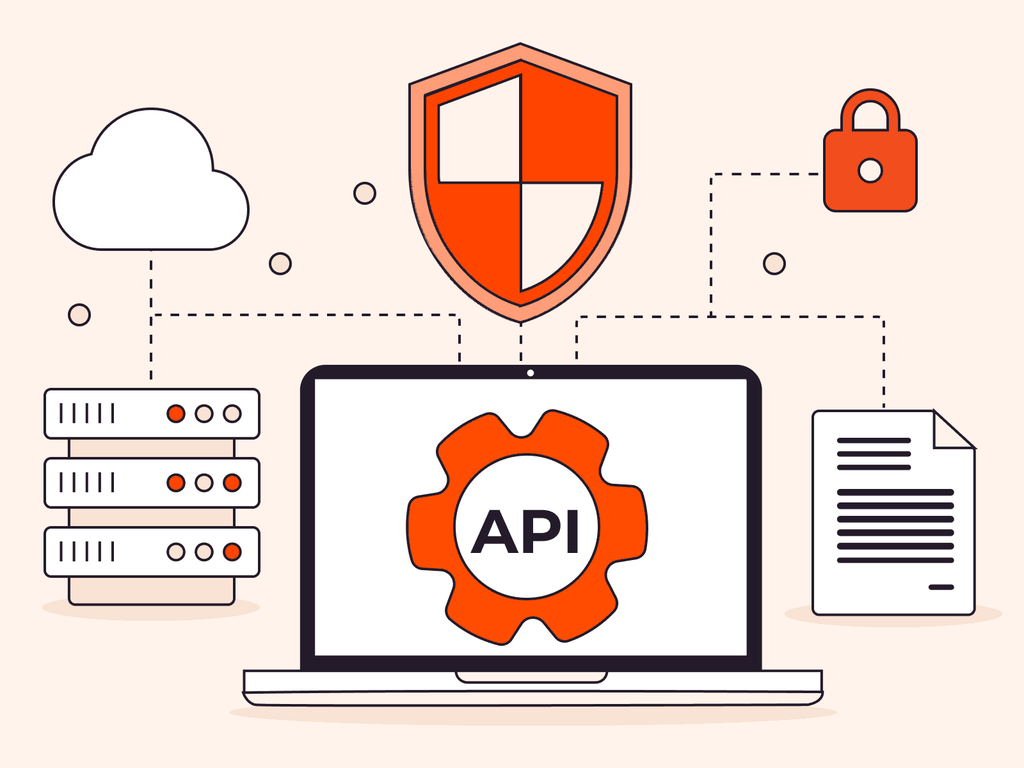
- Use HTTPS for all network communication, with no exceptions.
- Consider certificate pinning for apps handling sensitive data.
- Implement proper authentication for any API touching user data.
- Use Firebase App Check with supported Firebase services to help block requests from unauthorized clients.
- Manage tokens securely, with appropriate refresh and expiry handling.
7. Never Hardcode Sensitive Credentials
I’ve reviewed apps where a hardcoded API key sat exposed in a public repository for months before anyone caught it. It’s a small mistake that can have serious consequences, and it’s completely avoidable with the right setup from day one.

- Never hardcode API keys, passwords, or secret tokens in your source code.
- Use secure configuration practices — environment-based configs or backend proxying.
- Treat any exposed credential as compromised and rotate it immediately.
8. Use R8 for Minification and Obfuscation
Use R8 in release builds to shrink, optimize, and obfuscate your app. This can reduce app size and make the compiled code harder to reverse-engineer, but you should test the release build carefully and add keep rules when required.

- Enable R8 minification and resource shrinking for release builds.
- Use obfuscation to make reverse-engineering more difficult.
- Add and test ProGuard/R8 rules for libraries or code that need to be preserved.
- Test release builds after enabling R8 to catch runtime issues.
9. Request Only Necessary Permissions
Excessive permission requests damage user trust the moment someone sees them, and I’ve seen uninstalls happen specifically for this reason. Keeping requests minimal isn’t just good practice — it directly affects how many users actually keep your app.
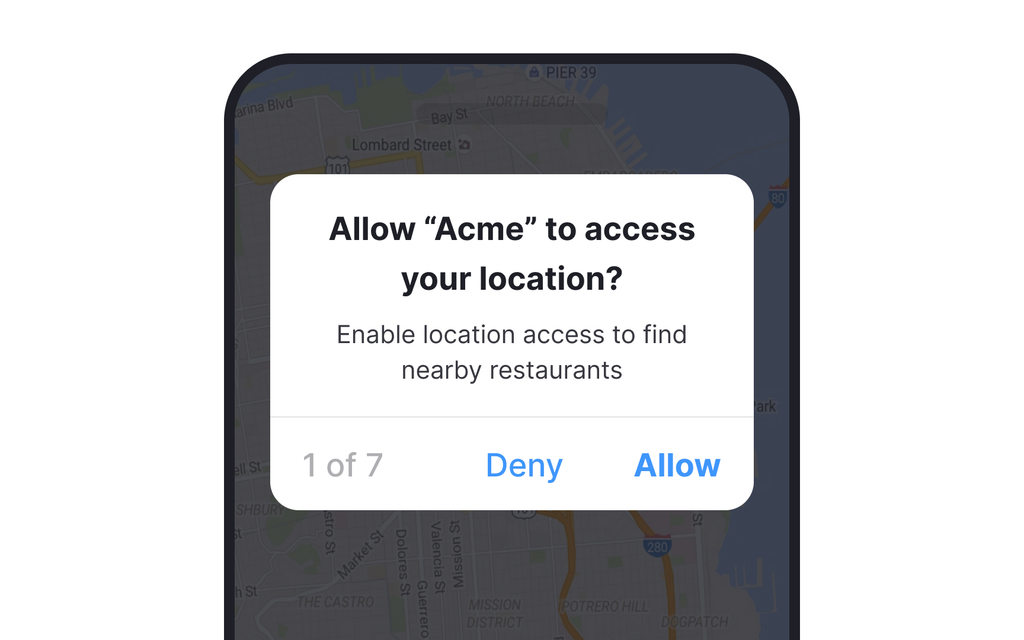
- Request only the minimum permissions your app genuinely needs.
- Implement runtime permission handling properly, asking only when needed.
- Periodically review and remove permissions no longer in use.
10. Validate and Sanitize User Input
Every input field is a potential entry point for bad or malicious data, and assuming users will always enter what you expect is a mistake I’ve seen cause real problems. Validating properly, on both ends, closes off most of these risks.

- Treat every form and input field as a potential risk.
- Pay special attention to login fields, a common target.
- Sanitize search inputs to prevent injection-style issues.
- Always back up client-side checks with server-side validation.
11. Test Security and Performance Before Release
Testing right before release should confirm what you’ve already built carefully — not be the first time performance or security gets a real look. A structured pass across profiling, network, and device conditions catches what casual use won’t.

- Use the Android Profiler to catch CPU, memory, and network issues.
- Run network testing under slow or unstable conditions.
- Do dedicated crash testing, beyond standard functional checks.
- Test under varied device conditions — low battery, low storage, older hardware.
Final Words on Android App Development Best Practices
Fast and secure apps don’t happen by accident — they come from decisions made consistently throughout development, not fixes applied under deadline pressure at the end. Every practice here is one I actively check on my own projects, and together they make the difference between an app that technically works and one that holds up under real users, real networks, and real-world conditions.
If you only take one thing from this article, make it this: treat performance and security as ongoing checks, not a final step. I run through this exact list before every release, and it’s caught more real problems than any last-minute review ever could.
Important Questions about Android App Development Best Practices
Running heavy work — database queries, network calls, file processing — on the main thread. It’s an easy mistake to make early on, and it’s usually the first thing I check when an app feels laggy.
Yes. I’ve personally seen a hardcoded key sit exposed in a public repository for months before anyone noticed. It’s safer to build secure configuration into your workflow from the very first commit, not add it later.
Run the Android Profiler periodically, not just when the app starts feeling slow. Watch for memory usage that climbs steadily during normal use and never comes back down — that pattern is the clearest sign of a leak.
No. Client-side validation improves user experience, but it can always be bypassed. Server-side validation is what actually protects your app and your users’ data, so treat it as non-negotiable.
Check performance and security throughout development instead of waiting until release. Regular profiling and testing help you catch problems before they become harder to fix.
