


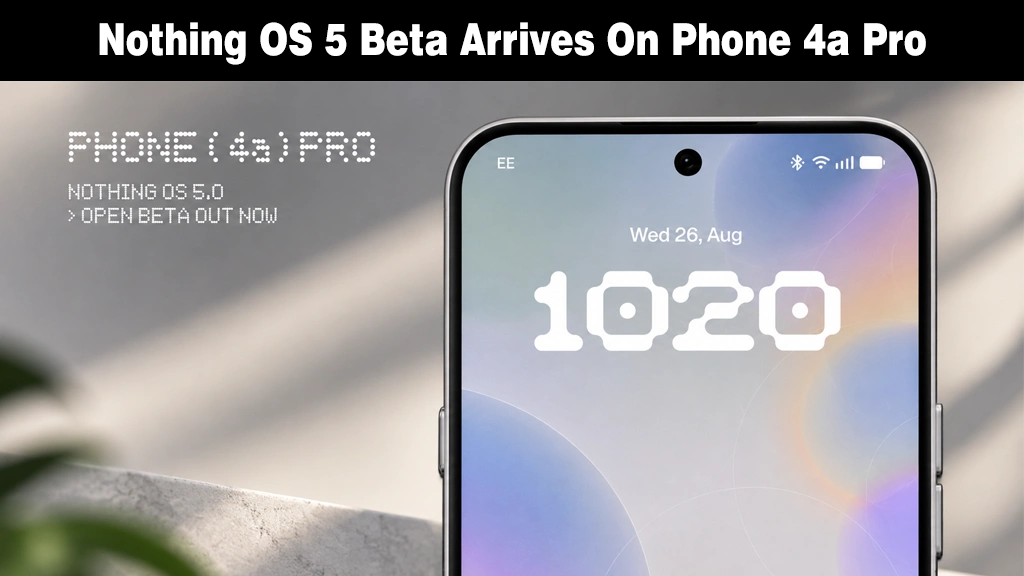
Nothing has opened its Android 17-based Nothing OS 5.0 beta to the Phone (4a) Pro, roughly a week later than the early-September window the company had promised.
The 2.73GB update follows the software’s initial debut on the Phone (3) in late August, making the (4a) Pro the second device in Nothing’s staggered rollout plan.
This rollout highlights Nothing’s shifting focus toward newer devices, as older models like the Nothing Phone 2 reach the end of their major update cycle.
What’s Actually New Here
Nothing OS 5.0 focuses more on visual changes than major new functions.
According to Phone Arena, it brings the Geist typeface, redesigned Settings and Camera screens, refined status bar icons, and broader app-by-app dark theme support.
Users also get a redesigned wallpaper gallery, customizable lock screen clock colors, and the option to move multiple home screen icons at once.
Android 17 itself adds split notifications and Quick Settings panels, three color privacy indicators, Noto 3D emoji in Gboard, and direct Bluetooth controls in Quick Settings.
Camera improvements include dual view recording, steadier QR detection, and improved HDR brightness handling, though capturing higher-quality dual-stream media could leave older device models running out of storage faster.
Nothing has moved its signature Glyph controls out of core OS settings into a standalone app, alongside new Collector, Away Time, and Glyph Timer widgets.
Early Impressions From the Beta
(4a) Pro-specific feedback is still scarce, but a Phone (3) user’s three-week beta diary on r/NothingTech gives an early read on what to expect.
The verdict: solid but rough. RAM management and multitasking earned praise, and animations felt like a real step up over the last version.
The bigger issues: phone overheating even during light use, which triggers thermal throttling and caps brightness, dragging battery life down disproportionately.
A stutter can also occur after changing the wallpaper, and it only goes away after restarting the device.
Beyond that, the reviewer flagged inconsistent navbar styling across first-party apps, mismatched search bar sizing, awkward transitions in Notifications and Gallery, and wanted a full custom lock screen clock color instead of Material You-only options.
Whether these carry over to the (4a) Pro remains to be seen.
Who Can Try It, and Who Should Wait
Phone (4a) Pro owners can enroll through the Nothing Beta Hub app, though Nothing warns the update prompt can take up to five minutes to appear once you check.
The enrollment window stays open for seven days, and the beta isn’t available in Japan due to local certification requirements.
General release for the Phone (4a) Pro is expected in early November, roughly eight weeks out, which gives cautious users a reasonable case for skipping the beta track altogether.
As with any prerelease software, backing up your device before installing is worth the extra few minutes, and the same caution applies when installing an Android app from an unfamiliar source.
