


Most Android phones can last 3 to 5 years with comfortable daily use, while some newer models can remain usable for 5 to 7 years with proper care. I have kept Android phones for several years myself, and the battery is usually one of the first things that makes an older phone feel outdated.
Software support also matters, especially as apps become more demanding and security updates eventually stop.
A phone does not automatically become useless when support ends, but its limitations become easier to notice. In this article, I’ll explain what affects an Android phone’s lifespan and when replacing it actually makes sense.
Key Takeaways
- Most Android phones last 3 to 5 years with comfortable daily use.
- Battery health is often one of the first major signs of an aging phone.
- Software and security updates can extend a phone’s useful life.
- Replacing the battery can make an older phone worth keeping longer.
- Consider replacing your phone when performance, battery life, app support, or security become major problems.
How Long Can You Realistically Keep an Android Phone?
You can realistically keep a good Android phone for 3 to 5 years of comfortable daily use. With a model that has long-term software support and a battery replacement when needed, 5 to 7 years is possible, although performance, battery life, and app compatibility may become bigger concerns over time.
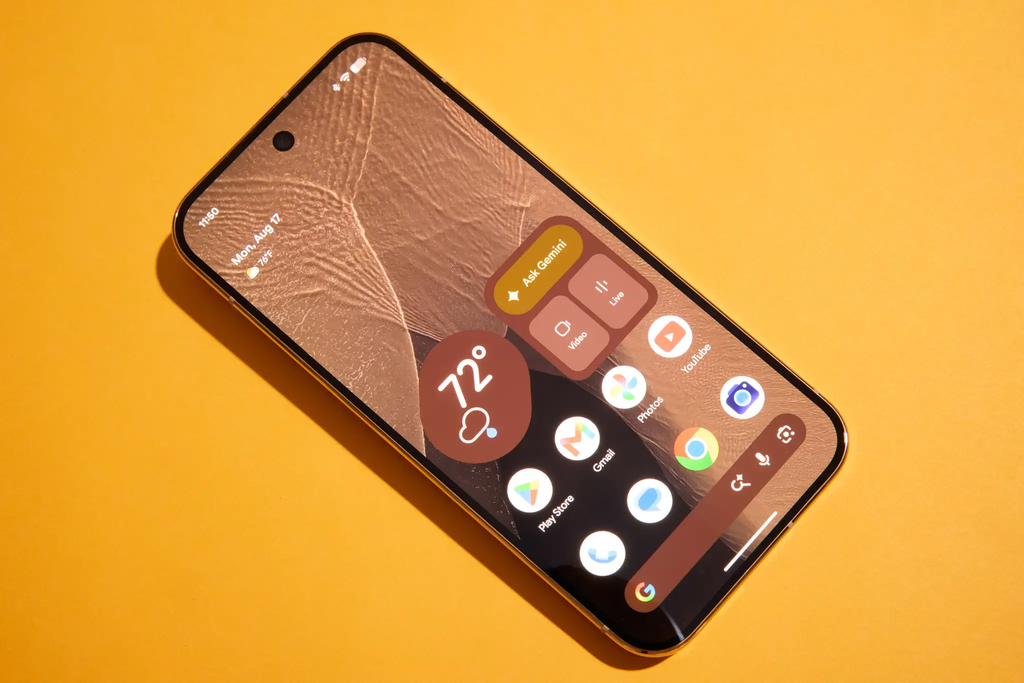
Some newer Android phones now receive up to 7 years of software and security updates, so the software can remain supported for much longer than older phones.
However, official support does not guarantee that the phone will still feel fast or have good battery life for the entire period.
How Long Does Android Software Support Last?
Software support is the piece most buyers misunderstand, mainly because “updates” actually means two different things running on separate clocks.
Major OS Updates vs. Security Patches
A major OS update changes the version of Android itself and brings new features. A security patch is smaller and fixes vulnerabilities without changing the version number.
Brands almost always stop major OS updates first and continue security patches a bit longer. This matters because a phone that no longer gets new Android versions can still be reasonably safe to use, at least for a while.
Brand-by-Brand Software Support Comparison
Support windows vary a lot by manufacturer, and they change often, so treat these as general ranges rather than fixed promises.
| Brand | Major OS Updates | Security Patches |
| Google Pixel | Up to 7 years | Up to 7 years |
| Samsung (flagships) | Up to 7 years | Up to 7 years |
| OnePlus | 3-4 years | 5-6 years |
| Motorola | 2-3 years | 3-4 years |
| Budget/other brands | 1-2 years | 2-3 years |
Always check the specific model before buying, since support length can differ even within the same brand’s lineup.
What Happens When Updates Stop?
This is where most people overreact. Apps like Chrome, the Play Store, and Google Play Services update independently of the operating system, so your phone does not suddenly break the day updates stop.
What actually happens is more gradual: newer apps eventually require a higher Android version, some features stop rolling out to your device, and your exposure to security risks slowly increases over time.
How Long Does Android Hardware Last?
Software gets most of the attention, but the physical device has its own separate lifespan, and it is often the real limiting factor.
Battery Lifespan and Degradation
Lithium batteries degrade with every charge cycle, and most people notice a real drop in battery life somewhere around the 2 to 3 year mark. This is usually the first thing that makes a phone feel “old,” well before the software becomes a problem.
Build Quality and Physical Durability
Modern flagships handle drops and minor scrapes better than they used to, thanks to stronger glass and proper water resistance. Repairability also plays a big role here. Phones with easily replaceable batteries and screens can stay functional far longer than sealed, disposable-feeling designs.
Performance Over Time
A phone can start feeling sluggish even with no hardware failure at all. This usually comes down to heavier app updates, a bulkier OS build, and RAM getting squeezed by background processes that simply did not exist when the phone was new.
Signs It’s Time to Replace Your Android Phone
Rather than guessing, watch for these concrete signals:
- Battery no longer lasts through a normal day, even after a full charge
- Security updates have officially stopped for your model
- Important apps refuse to install or update
- Physical damage is affecting the screen, camera, or charging port
- The phone stays noticeably slow even after clearing storage and restarting
If you are only seeing one of these, the phone may still have life left. If several apply at once, consider a replacement.
Is It Safe to Use an Android Phone After Updates End
This is a common source of anxiety, and the reality is more balanced than most people assume. Casual users who stick to the Play Store and avoid clicking suspicious links face relatively low practical risk in the months right after support ends.
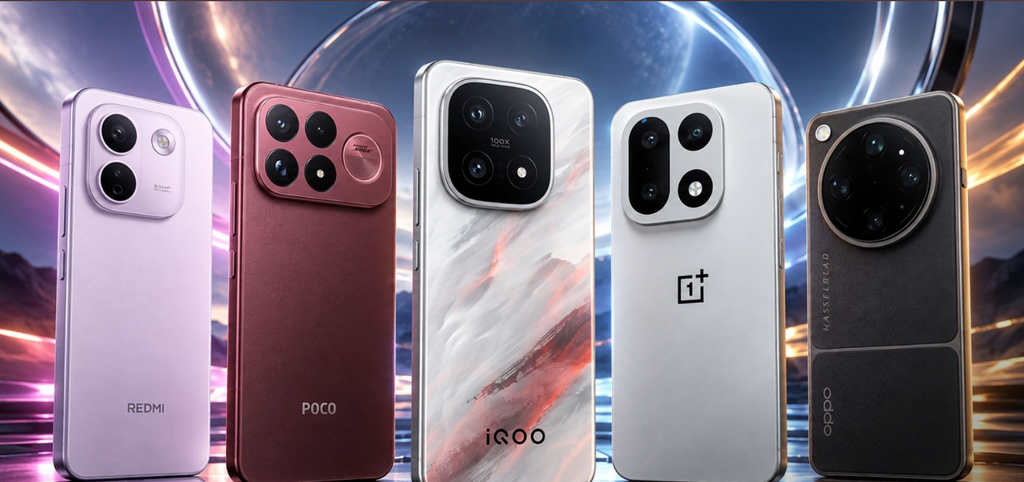
That said, risk is not zero, and it climbs the longer a device goes unpatched, especially for anything involving banking or sensitive personal data. It is not a reason to panic and replace a working phone overnight, but it is a reasonable factor to weigh once support has fully ended.
How to Extend the Life of Your Android Phone?
A few habits can meaningfully stretch how long a phone stays usable:
- Avoid letting the battery sit at extreme heat or full charge for long periods
- Get the battery professionally replaced instead of buying a new phone outright
- Clear cache and unused storage regularly
- Remove or disable apps running heavily in the background
- Use a protective case and screen protector from day one
- Try a factory reset before assuming a slowdown means hardware failure
Should You Buy a Phone for Long-Term Use?
If you are buying an Android for long-term use, do not judge a phone purely by its promised years of updates. Most people upgrade well before that ceiling is reached, so a 7-year update promise looks better on paper than it does in practice.
What actually affects day-to-day longevity more is repairability, meaning how easy and affordable it is to replace the battery or screen, and whether the brand has a track record of following through on its support promises rather than just announcing them.
Final Thoughts
There is no single right answer to how long an Android phone lasts. Battery health, software support, and your own patience all play a role, and most people land somewhere between 3 and 5 years of comfortable use.
Pay attention to the real signs rather than the calendar, and you can safely stretch that timeline further without much risk.

2 Comments
Pingback: How to Clear App Cache on Android Without Losing Data
Pingback: Pay $0 Upfront For Pixel 11 Pro XL Report Says