


I have bought and returned more Android phones than I like to admit, and most of those regrets came down to the same mistake. I got excited about one spec and skipped the questions that actually decide whether a phone stays good for the next two or three years.
If you are shopping for an Android phone right now, you are not just picking a size and a color the way you would with an iPhone. You are choosing a brand, a skin, an update policy, and a price tier all at once.
Here is the checklist I actually use, and the one I would hand you before you buy.
The Quick Pre-Purchase Checklist
Before you buy, quickly check:
- Budget: Stay within your price range.
- Updates: Check Android and security support.
- Performance: Make sure the chipset suits your use.
- Battery: Check real-world battery life.
- Display: Check brightness and refresh rate.
- Camera: Look at real-world photo samples.
- Durability: Check water resistance and repair costs.
- Software: Consider the Android skin and bloatware.
- Connectivity: Confirm 5G and carrier compatibility.
- Condition: Check carefully if buying used or refurbished.
- Long-term cost: Factor in repairs, accessories, and battery replacement.
Start With Your Budget Tier
Before you even open a spec sheet, decide which price bracket you are shopping in. This one decision filters out most of the noise for you and helps narrow down the phones worth considering.
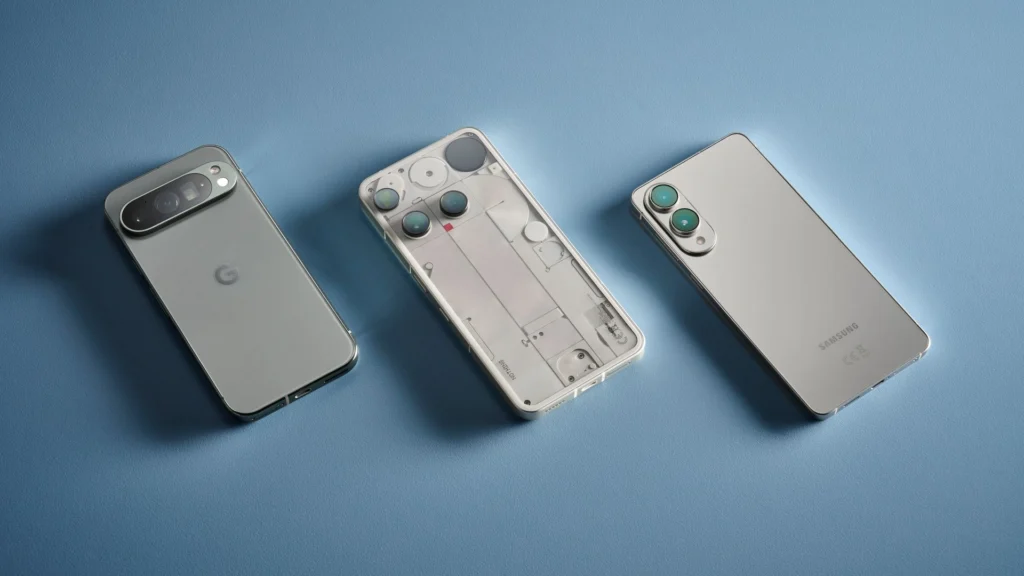
- Budget (under $350): handles everyday apps fine, but expect a shorter update window and a weaker camera in low light.
- Midrange ($350 to $700): the sweet spot for most buyers. Good chip, good screen, and increasingly the same camera hardware as flagships.
- Flagship ($800 and up): worth it if you keep phones for years or want the best camera, not just for the logo.
Check The Software Update Policy First
This is the check I put ahead of everything else, and I would encourage you to do the same. It decides how long the phone you buy today will still feel safe and current three years from now.
Two numbers matter here, and brands often blur them together on purpose. Check the Android update status and look for both before you commit.
- OS version updates: how many major Android version upgrades the phone will receive.
- Security patches: how many years it keeps getting monthly or quarterly security fixes, even after it stops receiving new OS versions.
Why This Matters More Than The Chipset
A slightly older chip with five years of security updates will outlast a faster chip that stops getting patches after two years.
I have had a phone start feeling outdated within eighteen months because the manufacturer moved on. Before you buy, search the exact model name plus “update policy” rather than trusting the brand’s general promise, since the policy can vary between models from the same company.
Understand The Chipset Without Getting Lost In Numbers
Chip names are designed to confuse you. Snapdragon, Tensor, Dimensity, and Exynos all use their own numbering systems, and a bigger number does not automatically mean a better chip.
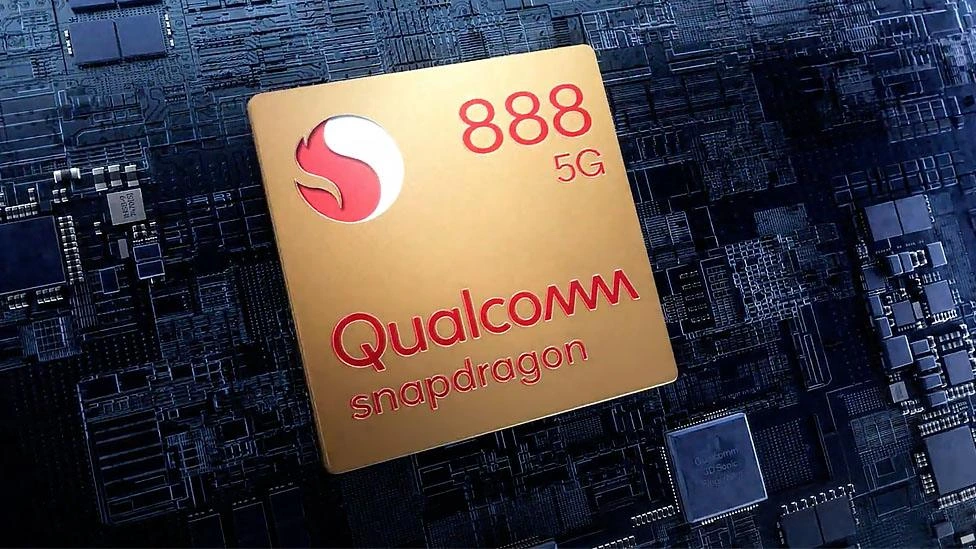
Check whether the chip supports current Android features without throttling under sustained gaming. Looking at long-term stress test reviews rather than quick benchmark scores will show if it’s a solid overall pick or if you actually need a gaming phone for your workload.
Storage And RAM In 2026
For most people using their phone for everyday use, 128GB storage is a reasonable starting point, and 8GB RAM is usually enough for smooth everyday multitasking.
That said, having more RAM isn’t a guarantee of better performance; chip efficiency, software optimization, and storage speeds play a far bigger role in daily responsiveness.
Battery Life And Charging Speed
A bigger battery number does not always mean a longer day. I have used a 4,500 mAh phone that outlasted a 5,000 mAh one because the software and chip were more efficient.
Instead of trusting the capacity printed on the spec sheet, check the phone’s real screen-on time in independent reviews. Battery life also depends heavily on how the phone is used.
Charging speed matters too, though don’t overrate it. Anything at 30W or above charges reasonably fast enough for daily use, and wireless charging is a nice extra rather than something worth paying a premium for.
Display Quality
Look for three things on a screen and ignore the rest of the marketing language.
- Refresh rate: 90Hz or 120Hz makes scrolling feel noticeably smoother.
- Peak brightness: matters more outdoors than most buyers realize, since a dim screen is unreadable in direct sunlight.
- Protective glass: a modern scratch-resistant glass can save you from a cracked screen after one bad drop.
Camera System
I stopped chasing megapixel counts a while ago, since a 50MP sensor with poor processing can lose to a well-tuned 12MP sensor. What actually predicts good photos is sensor size and optical image stabilization, not the raw pixel count printed on the box.
Before you buy, search for real, unedited sample photos from that exact model instead of trusting the company’s own marketing images, which are almost always shot in perfect lighting.
Build Quality, Durability, and Repairability
A phone you plan to keep for years needs to survive years of pockets, bags, and the occasional drop.
Check the IP rating for water and dust resistance, and look up how much a screen or battery replacement costs before you commit. That number tells you a lot about how expensive the phone will be to own long term.
Software Experience And The Manufacturer’s Skin
The skin a brand puts on top of Android changes how the phone feels every day, more than most buyers expect. Samsung’s One UI is polished but can feel busy with extra apps.
Stock or near-stock Android, like on Pixel phones, feels cleaner and usually gets updates faster. Other brands sit somewhere in between, with varying amounts of pre-installed bloatware.
I always look up a recent hands-on review of the exact skin before buying, and I would suggest you do the same. This affects daily comfort far more than most spec differences do.
Connectivity And Carrier Compatibility
This is an easy mistake to make and an expensive one to fix. Confirm two things before paying.
- The phone supports the 5G bands your carrier actually uses, not just “5G” as a generic label.
- The phone is unlocked, or if it is carrier-branded, it can be unlocked later without extra fees.
New Versus Used Or Refurbished Phones
The checklist changes depending on where you are buying from, so keep these separate in your head.
If Buying Used
- Check the IMEI number through an online database to confirm it isn’t reported lost or stolen.
- Ask the seller to show battery health directly, since a worn battery is the most common hidden issue.
- Check the seller’s reviews and history before sending any money.
If Buying Refurbished
Ask specifically about the warranty length and return window. A seller confident in their refurbishment process will usually offer both without hesitation.
Also confirm the phone has been factory reset and is not still linked to a previous owner’s Google account, since that can lock the phone entirely.
Calculate The True Cost Of Ownership
The sticker price is never the full price. Add up the cost of a case, a charger if one isn’t included, and a realistic battery replacement a few years down the line. Also think about resale value, since brands with longer update support tend to hold their resale price better too.
If You’re Switching From iPhone
This is the one check most guides skip completely. Before you switch from iPhone, confirm that every app you rely on daily actually exists on Android, since a few, like Apple Podcasts, simply don’t have a direct equivalent.
Also check whether any subscriptions tied to Apple’s ecosystem transfer over cleanly or need to be repurchased.
The Bottom Line Before Buying
There is no single best Android phone, only the one that fits how long you plan to keep it and what you actually use it for.
Every phone I have been happy with, I checked the update policy first and the spec sheet second. Run through this list before you buy, and you should avoid the regret I have felt more than once.
