
Close Menu
My Android News – Android News, Apps & Phone UpdatesMy Android News – Android News, Apps & Phone Updates
    Facebook X (Twitter) Instagram Threads
    Trending
    • Android 17 QPR3 Beta 1 Finally Fixes the Pixel Fingerprint Freeze
    • Samsung Hikes Galaxy S26 Prices, With the 1TB Ultra Now $200 More 
    • Pixel 10 vs Galaxy S26: Which Phone Is Truly Better?
    • Google Fixes a Major VoLTE Problem for Imported Pixel 11 Phones 
    • Google Fixes Its Pixel 11 Snub With Android 17 QPR2 Beta 6.1 
    • Galaxy S27 Ultra Camera Leaks Reveal a Big Trade-Off
    • Is the Google Pixel 8 Still Worth Buying in 2026?
    • OnePlus 16 Launches October 12, But Most Fans Will Have to Import It
    Facebook Instagram Pinterest YouTube LinkedIn
    My Android News – Android News, Apps & Phone UpdatesMy Android News – Android News, Apps & Phone Updates
    • Home
    • Android Apps
    • Android Gaming
    • Android How-To
    • Android News
    • Android Phones
    • Android Tips
    • Reviews
    My Android News – Android News, Apps & Phone UpdatesMy Android News – Android News, Apps & Phone Updates
    Home » Android 17 QPR3 Beta 1 Finally Fixes the Pixel Fingerprint Freeze
    Android News

    Android 17 QPR3 Beta 1 Finally Fixes the Pixel Fingerprint Freeze

    My Android News DeskBy My Android News DeskOctober 3, 2026No Comments3 Mins Read0 Views
    Share Facebook Twitter Pinterest LinkedIn Tumblr Email Copy Link
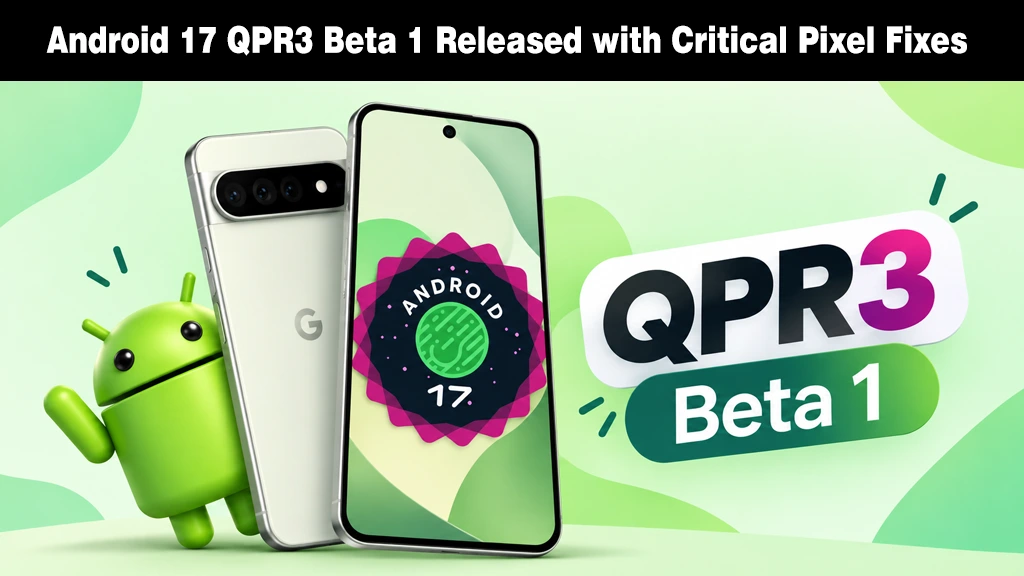
    Google Pixel smartphone displaying the Android 17 logo alongside an Android mascot and QPR3 Beta 1 graphic.
    Google rolls out Android 17 QPR3 Beta 1 packed with key bug fixes for Pixel devices.
    Share
    Facebook Twitter LinkedIn Pinterest Email Copy Link

    Google has kicked off a new chapter of Android 17 testing, rolling out QPR3 Beta 1 ahead of an expected stable launch in March 2027, landing just days after the QPR2 Beta 6 push. 

    Most quarterly betas are a mixed bag of small tweaks, but this one tackles something that goes straight to daily usability: a bug where the device would freeze and become completely unresponsive when unlocking with the fingerprint sensor.

    The Fixes That Actually Change Your Day

    That freeze was just one of the 20 fixes bundled into this release. Other notable ones include

    • Face Unlock Settings Crash: Fixed a crash triggered when selecting the “require eyes to be open” toggle.
    • eSIM Profile Disabling: Corrected a bug causing eSIM profiles to silently switch off in System Settings.
    • Idle Battery Drain: Eliminated excessive battery drain during idle states when “Flip to Shh” was active.
    • Cellular Service Crash Loop: Patched a modem crash loop that caused total cellular loss due to unexpected SIM slot indices.
    • Wi-Fi Background Reconnection: Resolved a bug preventing automatic Wi-Fi reconnection during background wakes.
    • Battery Settings Crash: Fixed a crash occurring when opening battery usage details in the Settings app.
    • LHDC v5 Bluetooth Audio: Fixed playback dropping on LHDC v5 audio devices whenever a second connected Bluetooth device disconnected.

    A Few New Features, Too

    Beyond bug fixes, Pixel 11 owners get a new Notes Quick Settings tile, building on the Notes lock screen shortcut and widget access Google added back in the QPR2 beta. 

    Status bar icon changes that first appeared in QPR1 are now confirmed as intentional rather than a glitch, with a bolder VPN icon, a silent icon that matches the volume menu, and slightly larger Bluetooth and Airplane Mode icons.

    Pixel 10 owners also now see the Gemini Intelligence boot animation previously exclusive to the Pixel 11 series, along with a Proactive Assistance entry appearing in system Settings above Magic Cue. 

    As 9to5 Google details, a similar option showed up briefly during the QPR2 beta before being pulled, so whether it sticks around this time remains to be seen.

    Who Can Try It

    QPR3 Beta 1 is rolling out now for the Pixel 6a through the Pixel 11 Pro Fold. 

    If the fingerprint freeze has been bothering you, this is a solid reason to update. 

    As always with beta software, back up your device first, since quarterly previews can introduce new issues even as they fix old ones.

    Source: Here’s everything new in Android 17 QPR3 Beta 1

    Add as Preferred on Google Follow on Google News Follow on Flipboard
    Share. Facebook Twitter Pinterest LinkedIn Tumblr Telegram Email Copy Link
    Previous ArticleSamsung Hikes Galaxy S26 Prices, With the 1TB Ultra Now $200 More 
    My Android News Desk

      My Android News Desk is the editorial team behind My Android News, covering the latest Android news, app and phone updates, new features, and developments across the Android ecosystem. The team follows official announcements, developer updates, and reliable sources to provide timely and useful information for Android users.

      Related Posts

      Samsung Hikes Galaxy S26 Prices, With the 1TB Ultra Now $200 More 

      October 2, 2026

      Google Fixes a Major VoLTE Problem for Imported Pixel 11 Phones 

      October 1, 2026

      Google Fixes Its Pixel 11 Snub With Android 17 QPR2 Beta 6.1 

      September 30, 2026
      Add A Comment
      Leave A Reply Cancel Reply

      • The Fixes That Actually Change Your Day
      • A Few New Features, Too
      • Who Can Try It


      Clickable Image

      My Android News brings you the latest Android news, practical guides, app recommendations, phone coverage, gaming coverage, features, tips, and useful insights to help you get more from your Android devices.

      We Tried It

      Android 17 QPR3 Beta 1 Finally Fixes the Pixel Fingerprint Freeze

      October 3, 2026

      Samsung Hikes Galaxy S26 Prices, With the 1TB Ultra Now $200 More 

      October 2, 2026

      Pixel 10 vs Galaxy S26: Which Phone Is Truly Better?

      October 1, 2026

      Subscribe to Updates

      Get the latest Android news, practical guides, app updates, and phone coverage delivered to your inbox

      © 2026 MyAndroidNews. All rights reserved - Powered by WebTech Solutions
      • Home
      • About
      • Privacy Policy
      • Contact
      • Editorial Policy
      • Terms & Conditions

      Type above and press Enter to search. Press Esc to cancel.