
Close Menu
My Android News – Android News, Apps & Phone UpdatesMy Android News – Android News, Apps & Phone Updates
    Facebook X (Twitter) Instagram Threads
    Trending
    • How to Turn On Dark Mode in Google Maps on Android
    • Android 17 QPR2 Beta 7 Targets the Bug That Drains Your Pixel Overnight
    • Your Old Pixel Can Now Be a Second Camera on WhatsApp, Zoom and Meet Calls
    • Pixel 11 Pro HiLight Feature Could Finally Expand To WhatsApp, Android Canary 2610 Hints
    • How to Delete Google Maps Search and Location History?
    • What Is AppCloud on Android, and Can You Remove It?
    • If You’re Still on a Pixel 6, This Update Notification Might Be Your Last One
    • The Galaxy S27 Ultra Could Charge Faster Without Needing a New Charger
    Facebook Instagram Pinterest YouTube LinkedIn
    My Android News – Android News, Apps & Phone UpdatesMy Android News – Android News, Apps & Phone Updates
    • Home
    • Android Apps
    • Android Gaming
    • Android How-To
    • Android News
    • Android Phones
    • Android Tips
    • Reviews
    My Android News – Android News, Apps & Phone UpdatesMy Android News – Android News, Apps & Phone Updates
    Home » Android 17 QPR2 Beta 7 Targets the Bug That Drains Your Pixel Overnight
    Android News

    Android 17 QPR2 Beta 7 Targets the Bug That Drains Your Pixel Overnight

    My Android News DeskBy My Android News DeskOctober 10, 2026No Comments2 Mins Read0 Views
    Share Facebook Twitter Pinterest LinkedIn Tumblr Email Copy Link
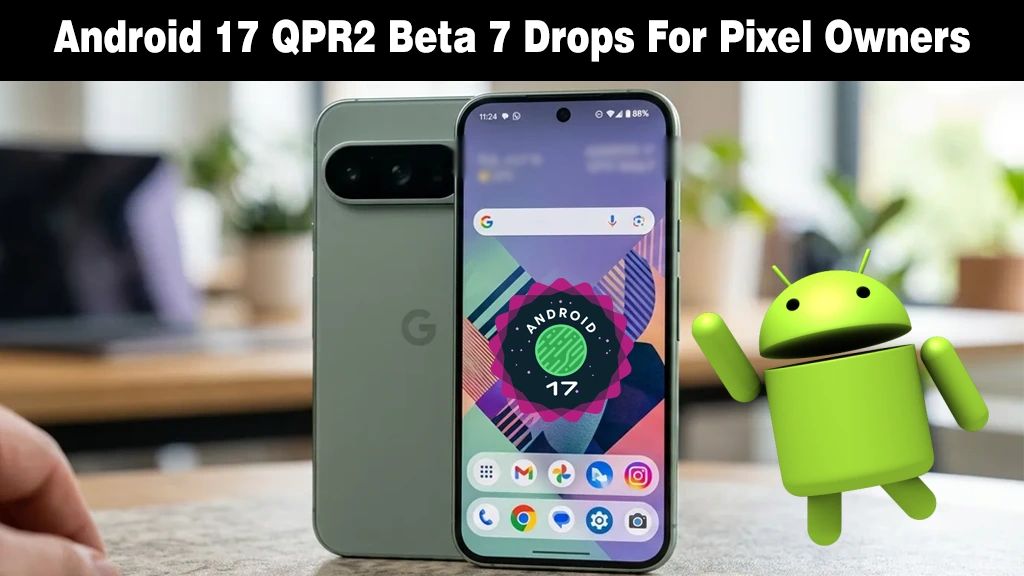
    Green Google Pixel smartphone screen showing the Android 17 beta badge beside a green Android mascot figurine.
    Google rolls out the Android 17 QPR2 Beta 7 update for eligible Pixel smartphone owners.
    Share
    Facebook Twitter LinkedIn Pinterest Email Copy Link

    Google dropped Android 17 QPR2 Beta 7 (build CP41.260831.016) just two weeks after dropping Beta 6.1. It skips any flashy changes, but if your phone battery keeps slipping while sitting untouched, it’s an essential patch. 

    The Fix That Matters Most

    The headline item is excessive idle battery drain, caused when the Flip to Shh feature stops the device from entering deep sleep. 

    Flip to Shh silences your phone when you turn it face-down, so it’s exactly the kind of setting people enable and forget. 

    A phone that can’t reach deep sleep burns power while you aren’t using it, which is why this bug is easy to miss and annoying once you spot it.

    The same issue showed up in the QPR3 Beta 1 fix list we just covered last week, so Google appears to be patching it across both preview tracks.

    A Download Bug Gets Squashed Too

    The second fix targets HTTPS downloads that failed immediately when started through the system DownloadManager. 

    Most people never see that plumbing, but apps relying on it for updates or file transfers can misbehave when it breaks. 

    Apart from the two fixes, experts found nothing else new in the build.

    The release covers the Pixel 6a through the entire Pixel 11 lineup, plus the Pixel Tablet, Pixel Fold, and Android Emulator.

    A Familiar Warning for Fold Owners

    The Beta 7 carries full Pixel 11 support, something Beta 6 lacked. 

    But as Android Authority notes, one caveat remains from Beta 6.1: Pixel 11 Pro Fold owners may need to re-enroll in Face Unlock for it to work properly. Google repeated that warning here.

    Which Beta Should You Be On?

    This is where it gets slightly confusing. QPR2 and QPR3 betas are running side by side, and 9to5Google reports that devices on Beta 6.1 were still prompted to install QPR3 Beta 1 when Beta 7 launched. 

    If you’d rather stay on QPR2, the quickest route is sideloading the system image from Google’s OTA download page.

    Source:  Google rolling out Android 17 QPR2 Beta 7 for Pixel

    Add as Preferred on Google Follow on Google News Follow on Flipboard
    Share. Facebook Twitter Pinterest LinkedIn Tumblr Telegram Email Copy Link
    Previous ArticleYour Old Pixel Can Now Be a Second Camera on WhatsApp, Zoom and Meet Calls
    Next Article How to Turn On Dark Mode in Google Maps on Android
    My Android News Desk

      My Android News Desk is the editorial team behind My Android News, covering the latest Android news, app and phone updates, new features, and developments across the Android ecosystem. The team follows official announcements, developer updates, and reliable sources to provide timely and useful information for Android users.

      Related Posts

      Your Old Pixel Can Now Be a Second Camera on WhatsApp, Zoom and Meet Calls

      October 9, 2026

      Pixel 11 Pro HiLight Feature Could Finally Expand To WhatsApp, Android Canary 2610 Hints

      October 8, 2026

      If You’re Still on a Pixel 6, This Update Notification Might Be Your Last One

      October 7, 2026
      Add A Comment
      Leave A Reply Cancel Reply

      • The Fix That Matters Most
      • A Download Bug Gets Squashed Too
      • A Familiar Warning for Fold Owners
      • Which Beta Should You Be On?


      Clickable Image

      My Android News brings you the latest Android news, practical guides, app recommendations, phone coverage, gaming coverage, features, tips, and useful insights to help you get more from your Android devices.

      We Tried It

      How to Turn On Dark Mode in Google Maps on Android

      October 10, 2026

      Android 17 QPR2 Beta 7 Targets the Bug That Drains Your Pixel Overnight

      October 10, 2026

      Your Old Pixel Can Now Be a Second Camera on WhatsApp, Zoom and Meet Calls

      October 9, 2026

      Subscribe to Updates

      Get the latest Android news, practical guides, app updates, and phone coverage delivered to your inbox

      © 2026 MyAndroidNews. All rights reserved - Powered by WebTech Solutions
      • Home
      • About
      • Privacy Policy
      • Contact
      • Editorial Policy
      • Terms & Conditions

      Type above and press Enter to search. Press Esc to cancel.