


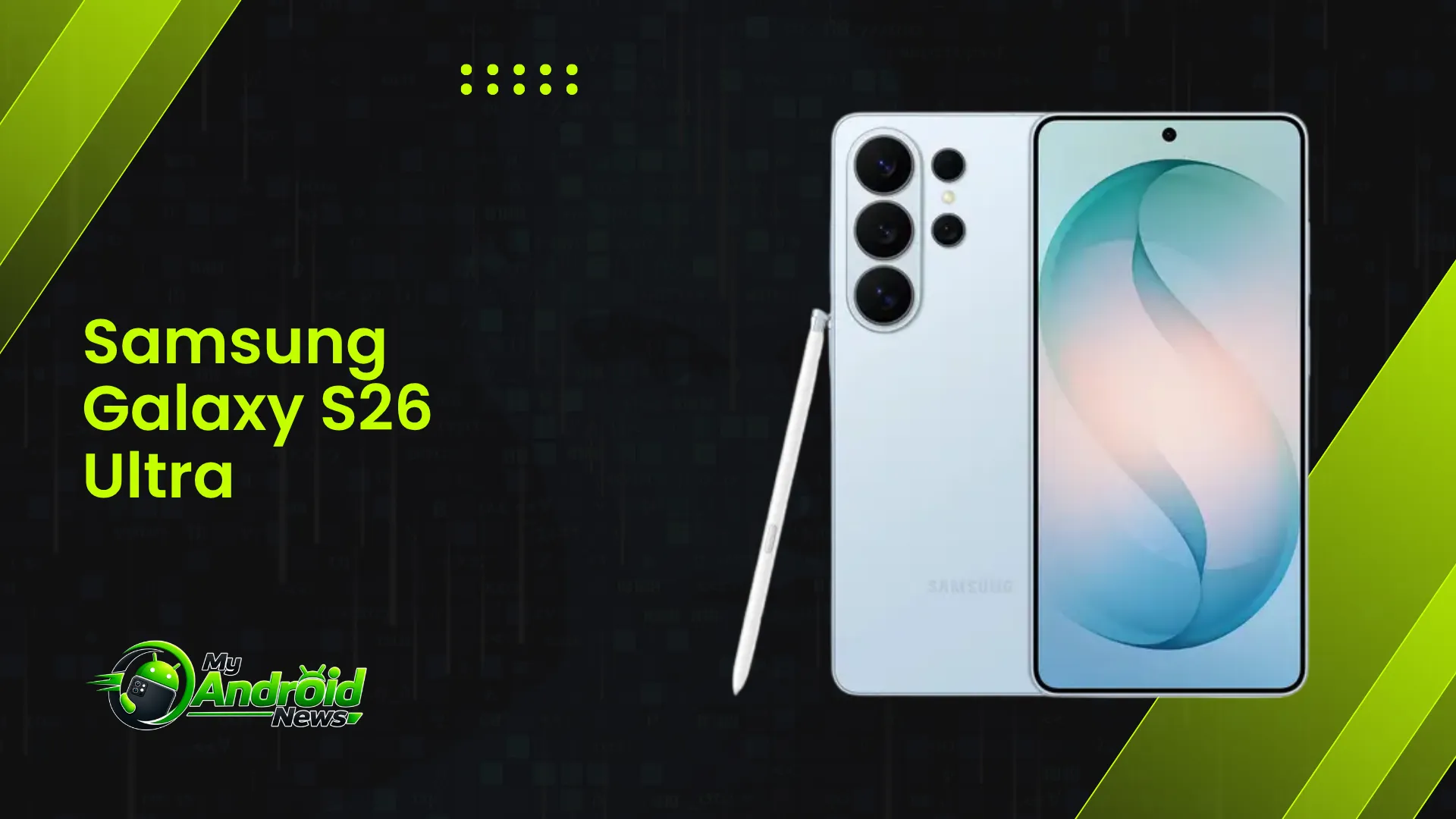
The Samsung Galaxy S26 Ultra is an excellent phone for students, but its value depends on how you plan to use it.
Its large 6.9-inch display, built-in S Pen, strong battery life, and useful productivity features make it well-suited for note-taking, PDF annotation, research, and multitasking.
However, its high price makes it difficult to recommend for students who only need basic phone features. If you want a phone that can handle both everyday tasks and demanding coursework, the S26 Ultra is worth considering.
Quick Verdict: Is Samsung Galaxy S26 Ultra Worth It for Students?
Yes, with conditions. The Galaxy S26 Ultra is an excellent choice for students who take heavy handwritten notes, juggle multiple apps like Google Docs, Blackboard Learn, etc during study sessions, or need a phone that can double as a light productivity device between classes.
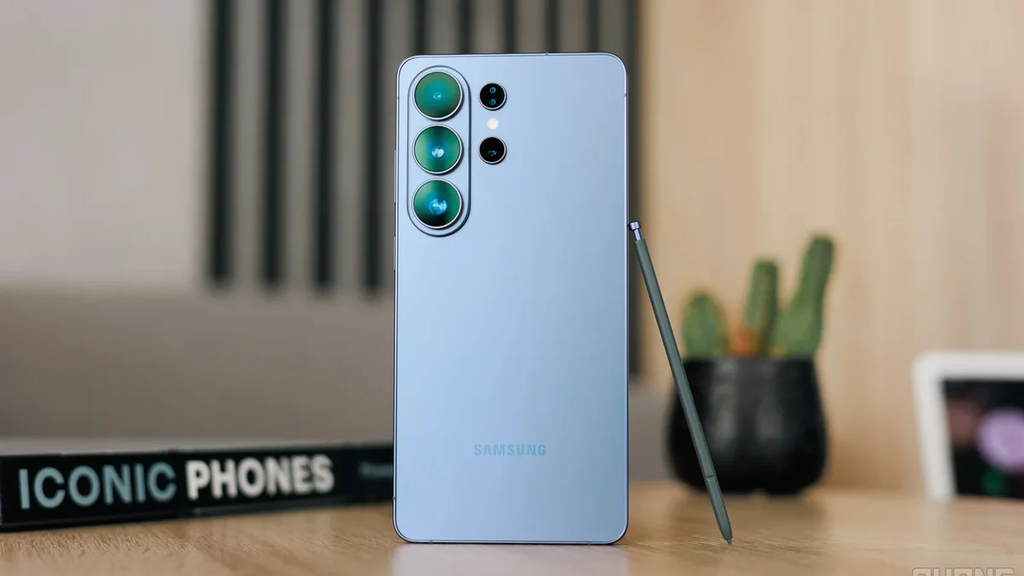
It is not the best mobile pick for students on a tight budget who only need a phone for calls, messaging, and basic browsing.
Samsung Galaxy S26 Specifications
| Spec | Details |
| Display | 6.9″ AMOLED, 120Hz, Privacy Display |
| Chipset | Snapdragon 8 Elite Gen 5 |
| RAM / Storage | 12GB/256GB, 12GB/512GB, 16GB/1TB |
| Rear Cameras | 200MP + 50MP + 10MP + 50MP |
| Front Camera | 12MP |
| Battery | 5,000 mAh, 60W wired / 25W wireless |
| Build | 214g, 7.9mm, IP68 |
| S Pen | Included |
| OS | Android 16, One UI 8.5 |
| Price | From $1,300 |
Who This Phone Actually Fits
Students Who Will Benefit Most
Students in fields that involve constant annotation, diagramming, or long-form notes get the most value here. Think engineering, architecture, medicine, law, and design students who rely on handwritten work or heavy PDF markup.
Students who record lectures and need to organize large amounts of material also benefit from the extra storage and multitasking power.
Students Who Probably Don’t Need It
If your coursework is mostly typing essays and checking email, a mid-range phone will do the job for a fraction of the price. Students on a strict budget, or those who already have a reliable laptop and tablet setup, are unlikely to see enough daily benefit to justify the cost.
In fact, exploring the best Android phones under budget can help students find a capable device that handles everyday tasks without putting unnecessary pressure on their finances as well.
Design and Portability for Everyday Campus Use
At 214g and 7.9mm thick, the S26 Ultra is lighter and slimmer than its predecessor, which matters when you’re carrying it between classes all day. Samsung has refined its signature squared-off aesthetic, fitting an enormous 6.9-inch display into a device that is both thinner and lighter than the previous model.
It sits comfortably in one hand for texting or checking a schedule while walking across campus, which is a small but real convenience during a busy day.
The rounded edges also mean it doesn’t dig into your palm the way older Ultra models did, so holding it through a long study session at the library is less fatiguing.
Display: Reading, Studying, and the Privacy Display Advantage
Screen Quality for Reading and Studying
The 6.9-inch AMOLED display is large enough to read PDFs, textbooks, and lecture slides without constant zooming. Text stays sharp, and the high refresh rate makes scrolling through long documents feel smooth rather than choppy.
Why Privacy Display Matters for Students
This is the standout feature for student life specifically. Samsung introduced a wild screen privacy feature this generation, which blocks anyone sitting beside you from seeing your screen at an angle.
In a lecture hall, library, or shared dorm room, this means you can check messages, review grades, or read something personal without the person next to you seeing everything on your screen.
The S Pen and Note-Taking Experience with Galaxy S26 Ultra
This is where the S26 Ultra separates itself from most other flagship phones for student use.
Handwriting and Lecture Notes
The S Pen lets you handwrite notes directly in Samsung Notes, and the handwriting-to-text conversion is accurate enough to trust for actual studying, not just quick scribbles. For students who think better while writing by hand, this replaces a physical notebook without losing that tactile feel.
Annotating PDFs and Slides
You can mark up lecture slides, highlight readings, and add comments directly on PDFs. A biology student can label a diagram mid-lecture, or a law student can annotate a case file while reading, all on the same device they already have in their pocket.
Performance for Multitasking Between Apps
Students rarely use one app at a time. You might have a lecture recording playing, a notes app open, and a browser tab pulled up for research, all at once.
The Snapdragon 8 Elite Gen 5 chipset handles this kind of switching without stutter or lag, based on testing from multiple reviewers who found the phone consistently smooth under heavy use. Opening a large PDF while a video call runs in the background does not slow things down noticeably.
Battery Life Across a Full School Day
Battery life is where students need honest expectations. In real-world testing, the Galaxy S26 Ultra lasted 12 hours on a single charge, coming behind the OnePlus 15 and Oppo Find X9 Pro.
That’s a meaningful improvement over the previous model, roughly 12% longer than the Galaxy S25 Ultra.
For a typical school day that starts with an early class and ends with a late study session, this should get you through without needing a full recharge, especially if you’re not constantly streaming video or gaming.
Heavy users, particularly those recording long lectures or using the S Pen extensively, should still plan to top up during a break between classes.
Samsung DeX: A Laptop Substitute for Assignments?
Connecting to a Monitor for Real Work
Samsung DeX turns the phone into a desktop-like interface when connected to a monitor, letting you write essays, build spreadsheets, or put together a presentation with a proper multi-window layout.
For a student without easy access to a laptop, this can genuinely cover basic assignment work in a pinch.
Realistic Limits
DeX is not a full laptop replacement. Software support is limited compared to a real operating system, and heavier tasks like video editing or specialized coursework software still need an actual computer. Treat DeX as a useful backup option, not your primary study setup.
AI Features That Actually Help with Coursework
Not every AI feature on this phone matters for school, but a few genuinely do.
- Summarizing long articles or readings when you’re short on time
- Live translation for language courses or communicating with international classmates
- Circle to search for quickly looking up a term or concept without leaving what you’re reading
These save real time during study sessions rather than being gimmicks you use once and forget.
Camera for Lecture Boards, Documents, and Group Projects
The camera setup is strong enough for practical student use beyond casual photos. You can snap a clear photo of a whiteboard mid-lecture, scan a printed handout, or shoot video footage for a group project without needing separate equipment.
Document scanning in particular is sharp enough that text stays legible even when photographed at an angle.
Storage and Cloud Space for Course Materials
Students accumulate a lot of material over a semester: readings, recorded lectures, project files, and photos of notes. The higher storage configurations, up to 1TB, give heavy users enough room to keep a full semester’s worth of files locally without relying entirely on cloud storage.
If you plan to record and keep full lecture videos, it’s worth choosing a higher storage tier rather than the base option.
Durability for Dorm and Campus Life
The Galaxy S26 Ultra holds an IP68 rating, meaning it can handle accidental dips in 1.5m of water for up to 30 minutes. That covers the realistic risks of campus life, like getting caught in the rain walking to class or a spilled drink in a dorm room. It’s not the toughest rating on the market, but it’s more than adequate for everyday student use.
Price and Value for a Student Budget
What You’re Paying For
The Galaxy S26 Ultra starts around $1,300, which is a significant investment for most students.
That price buys a device that can realistically replace a notebook, a basic tablet, and occasionally stand in for a laptop, which is worth factoring in against buying those items separately.
Is the Premium Justified?
For students who will actually use the S Pen and DeX regularly, the price is easier to justify since it’s replacing multiple purchases.
For students who just need a reliable phone, a mid-range Galaxy model will handle calls, messaging, and basic study apps for hundreds of dollars less, without the added features going to waste.
Important Questions to Help You Make the Right Decision
Is the Galaxy S26 Ultra better than an iPad for note-taking?
It depends on your habits, but the S26 Ultra has the advantage of being a phone and note-taking device in one, so you’re not carrying two devices. An iPad still offers a larger screen, which some students prefer for detailed diagrams.
Is it worth upgrading to Samsung S26 Ultra from S25 Ultra?
If you own an S25 Ultra, the upgrade is minor and not really necessary. Coming from an older phone, it’s a solid and worthwhile jump.

10 Comments
Pingback: How Long Can You Realistically Keep an Android Phone?
Pingback: How to Stop Apps Running in the Background on Android
Pingback: 10 Best Android Phones in 2026: Which One Is Right for You?
Pingback: How to Move Everything to Your New Android Phone? Here's How
Pingback: Android App Keeps Crashing? Here’s How to Fix It
Pingback: US Galaxy S26 Ultra Starts Receiving One UI 9 Today
Pingback: Galaxy S27 Ultra Drops 3x Zoom For Upgraded Night Photos
Pingback: Galaxy S26 Series Price Hikes Hit Ahead Of One UI 9.5
Pingback: Galaxy S27 Ultra Charging Speed Leak And Battery Details
Pingback: What Is AppCloud on Android and Can You Remove It?